This project is scheduled for launch
Launch date: Monday, January 18, 2027 at 08:00 AM UTC
Scheduled
Introduction to Dictro
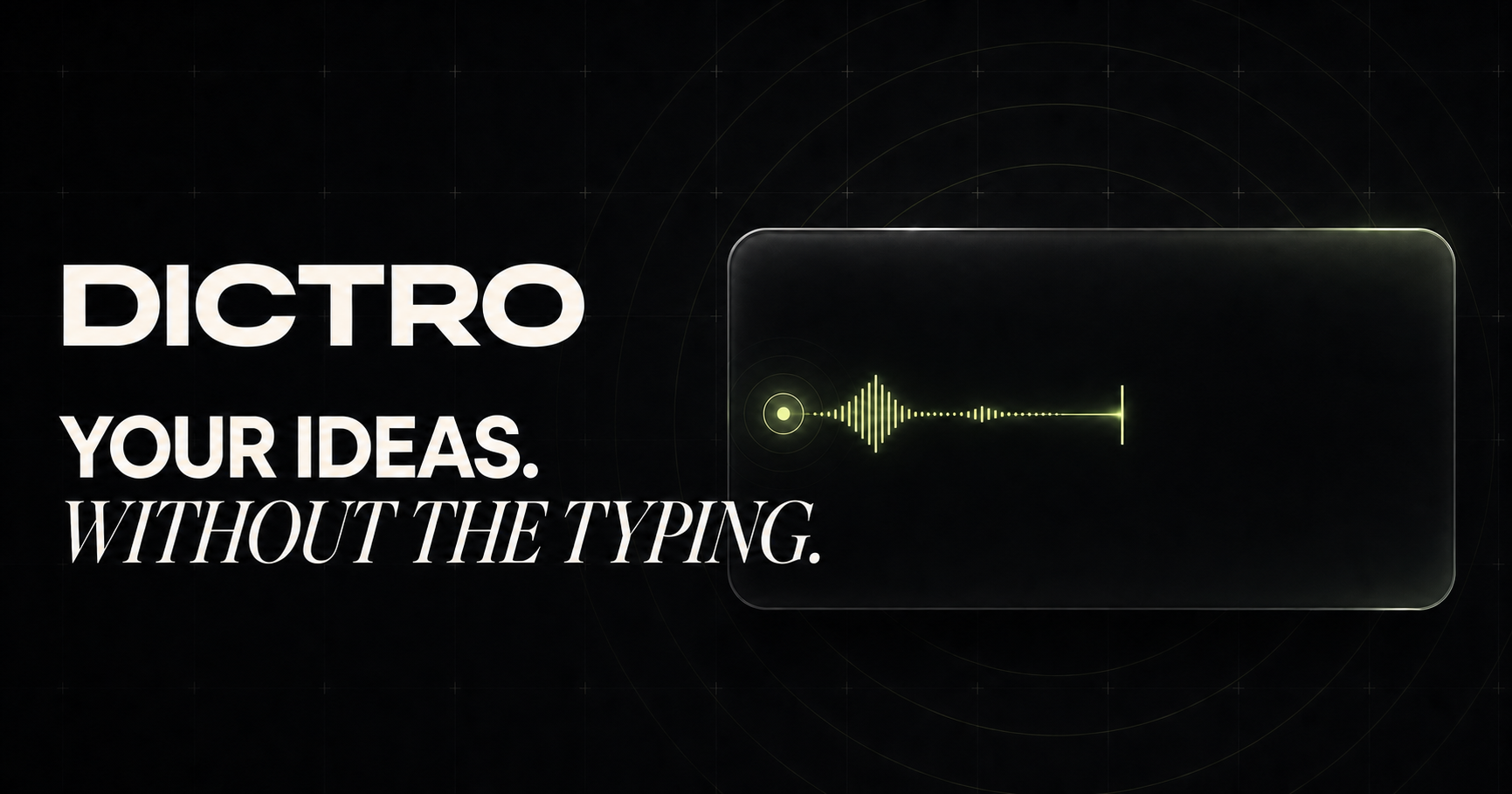
Dictro is a revolutionary native dictation application designed exclusively for Apple Silicon Macs, transforming spoken ideas into clear, polished writing directly within any Mac application. It empowers users to speak naturally and efficiently, eliminating the need for manual typing and significantly boosting productivity across various professional and personal tasks.Target Audience & Use Cases
Dictro is ideal for professionals, writers, developers, students, and anyone seeking to accelerate their writing workflow. It seamlessly integrates into daily routines, making it perfect for drafting emails, composing documents, writing code comments, or taking notes in applications like Mail, Slack, Xcode, and Notion.Key Features
- Local-by-Default Processing: Ensures zero uploads and complete on-device privacy for all dictations.
- High-Speed Dictation: Capture ideas at up to 150 words per minute, significantly faster than typing.
- Intelligent Live Pipeline: Transforms messy first takes into clear, finished prose by removing filler words and fixing structure.
- Completely Private & Offline: Functions without an internet connection, guaranteeing your voice and data never leave your device.
- System-Wide Compatibility: Works in any Mac app with a text field, from browsers to development environments.
- Customization & History: Supports custom words for names/jargon, app-aware preferences, and optional local transcript history for notes.
Use Cases
Dictro excels in scenarios where speed and accuracy are paramount. For instance, professionals can quickly draft lengthy emails or detailed reports by simply speaking, saving valuable time compared to traditional typing. Developers can dictate code comments, documentation, or commit messages directly within their IDEs like Xcode, maintaining focus and flow without interrupting their coding process. Beyond professional applications, Dictro enhances general productivity for everyday tasks. Users can rapidly brainstorm ideas, compose social media posts, or create meeting notes, allowing their thoughts to flow freely from mind to text without the physical barrier of a keyboard. Its ability to clean up natural speech makes even unpolished dictations ready for immediate use.Pricing Information
Dictro operates on a freemium model, offering a generous "Free" tier that includes 10,000 words per week with the full on-device processing pipeline, usable in every app. For users who write extensively, the "Pro" tier is available at $10 per month, providing unlimited on-device words, premium fast formatting, and priority support. No credit card is required to begin with the free tier.User Experience and Support
Designed for a zero-friction workflow, Dictro is activated with a single gesture — holding the Right Option key. It operates quietly in the background, appearing only when needed, and integrates seamlessly into the macOS environment. The user interface provides a calm home for managing settings like custom vocabulary, personalization, and usage statistics. Pro users benefit from priority support, ensuring quick assistance when needed.Technical Details
Dictro is a native Mac application built specifically for Apple Silicon Macs (M1 or newer) running macOS 15 or later. It leverages the powerful Neural Engine for efficient speech recognition and the local GPU for advanced language cleanup, ensuring all processing — by default — occurs entirely on the user's device. This architecture underpins its robust offline functionality and commitment to privacy.Pros and Cons
- Pros:
- Unparalleled privacy with local-by-default, offline processing.
- Significantly boosts writing speed and efficiency (up to 150 wpm).
- Intelligent cleanup transforms raw speech into polished prose.
- Seamless, system-wide integration across all Mac applications.
- Optimized for Apple Silicon, utilizing Neural Engine and GPU.
- Generous freemium model allows extensive free usage.
- Cons:
- Currently supports English only.
- Requires Apple Silicon Mac (M1 or newer) and macOS 15+.
- Windows version is not yet available (coming soon).
- Optional Fast Mode uses cloud processing (though it's opt-in).
Conclusion
Dictro offers a transformative solution for Mac users, enabling them to convert spoken thoughts into refined text with exceptional speed and privacy. By deeply integrating with macOS and leveraging on-device AI, it provides a superior dictation experience that significantly enhances productivity for any writing task. Download Dictro today to embrace a faster, quieter, and more private way to capture your ideas.Comments
Comments will be available once the project is launched.
Publisher

Launch Date2027-01-18
Platformdesktop
Pricingfreemium
Tech Stack
#Neural#GPU#macOS
Sponsors

AIChatOne
All-in-one AI assistant with the most advanced AI models to help you Chat, Search, Write, Read and more.

Fismbot
Grow your business with Fismbot: AI social content and email tools, plus expert support for marketing, websites and technology that works for you.
Become a Sponsor
Get your brand featured here
Outbid
View🥇 🥈
🥈 🥉
🥉
Want this spot? Pay what you wantBest Launch Directories: launch directories with DR, traffic and pricing
Launch directories, product launch platforms and startup listing sites in one table, with Domain Rating by Ahrefs, traffic where known, pricing and link type for each.
$50
Boost Your Domain Rating — DoFollow Backlinks (DR 30–70) from $30
Raise your Ahrefs Domain Rating with 5 - 50 dofollow backlinks from DR 30–60 sites — from $50, guaranteed to improve your DR or your money back.
$45
DirEasy - The Best Directory Boilerplate with AI | DirEasy
The best directory boilerplate, packed with AI, Listings, Payment, Submission, CMS, Blog, Authentication, Newsletter, SEO and more.
$41