
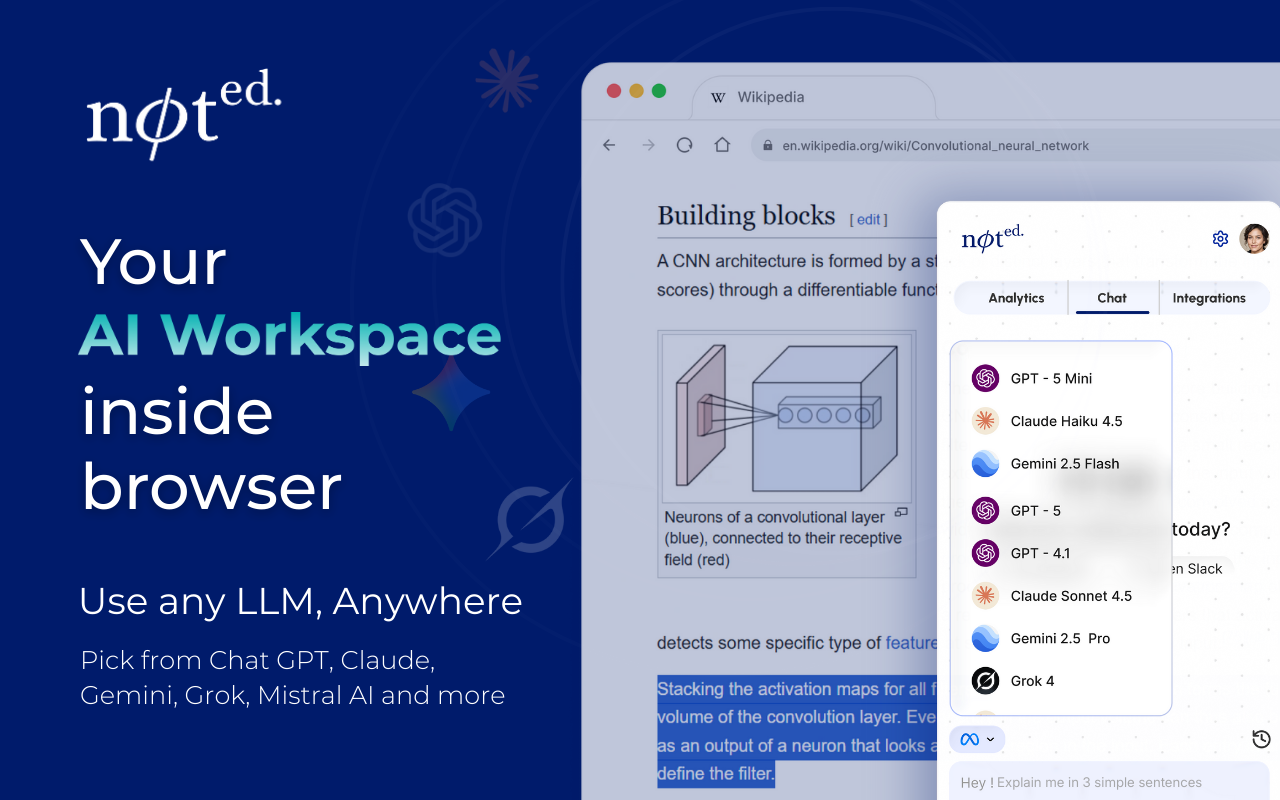
Noted is an innovative AI workspace browser extension that transforms any webpage into a personal AI co-pilot. It seamlessly integrates powerful AI models (GPT, Claude, Gemini) with your essential work tools, enabling users to research faster, summarize smarter, and act with clarity without ever leaving their current tab. This SaaS is ideal for founders, operators, researchers, and anyone seeking to enhance their productivity and knowledge management directly within their browser.
Key Features
Unified AI Workspace: Effortlessly switch between leading AI models including GPT-5.2, Claude 4.5, Gemini 3 Pro, and DeepSeek V3.1 within a single browser interface.
Native Integrations: Connect Noted with popular tools like Notion, Slack, Jira, and Google Drive to bring internal knowledge into AI-powered conversations.
Noted Mode (Passive Insight Capture): Automatically captures, summarizes, structures, and organizes insights as you browse, creating a continuous knowledge stream.
Instant Page Summaries: Generate concise, clean overviews of articles, reports, or blogs with highlighted key insights.
Security First Architecture: Features a "Local First" design where browsing history is processed on-device, ensuring data privacy with AES-256 encryption and granular permissions.
Use Cases
Noted significantly streamlines research and knowledge management. Researchers can use Noted Mode to passively capture insights, summarize long articles, and organize knowledge without leaving their research tabs. Product managers can draft specs in Notion while researching, leveraging integrated AI for context. For enhanced productivity, founders and operators can quickly get instant page summaries, search across tabs, and write updates to Notion or pull Slack history with AI-powered context, eliminating the need to juggle multiple AI apps.
Pricing Information
Noted operates on a subscription model, covering LLM tokens for standard usage, with an option to bring your own API key. A 14-day free trial is available for Starter and Pro plans, requiring no credit card. The Pro plan offers centralized billing and seat management for teams, and students/educators can apply for a 50% discount.
User Experience and Support
Designed for intuitive use, Noted offers a seamless "sidebar workflow" directly integrated into your browsing experience. Users have explicit opt-in controls for sending page content to LLMs, ensuring privacy. Support resources include a Help Center and direct contact options.
Technical Details
Noted employs a "Local First" architecture, processing browsing history on the user's device for enhanced privacy. Data at rest is secured with AES-256 Encryption. The extension requires specific permissions like "Read current tab," "Write to Notion," and "Access Slack History" for its deep integrations.
Pros and Cons
Pros:
Unified access to multiple leading AI models.
Deep, native integrations with popular work tools.
Strong emphasis on data privacy ("Local First" architecture).
Automated insight capture and summarization.
Boosts productivity for research and knowledge management.
Cons:
Requires browser extension installation.
Potential learning curve for advanced features.
Subscription-based model after free trial.
Relies on external LLM providers.
Requires specific browser permissions.
Conclusion
Noted by Smatr is an indispensable AI co-pilot, empowering users to clarify complex information and act with unparalleled clarity directly within their browser. By unifying the power of cutting-edge AI with essential work tools and prioritizing robust data security, it transforms the online workflow. Explore Noted today to revolutionize your productivity and intelligence.
Comments
Publisher
Launch Date2026-04-13
Platformweb
Pricingfreemium
Tech Stack
#web#AI#LLM
Sponsors

AIChatOne
All-in-one AI assistant with the most advanced AI models to help you Chat, Search, Write, Read and more.

Fismbot
Grow your business with Fismbot: AI social content and email tools, plus expert support for marketing, websites and technology that works for you.
Become a Sponsor
Get your brand featured here
Outbid
View🥇 🥈
🥈 🥉
🥉
Want this spot? Pay what you wantSubmit Your Startup to 100+ Directories | Submitator
Automated startup directory submission service. Get listed on Product Hunt, BetaList, Indie Hackers & 100+ directories for SEO backlinks and DR boost. From $29.
$40
Boost Your Domain Rating — DoFollow Backlinks (DR 30–70) from $30
Raise your Ahrefs Domain Rating with 5 - 50 dofollow backlinks from DR 30–60 sites — from $50, guaranteed to improve your DR or your money back.
$35
DirEasy - The Best Directory Boilerplate with AI | DirEasy
The best directory boilerplate, packed with AI, Listings, Payment, Submission, CMS, Blog, Authentication, Newsletter, SEO and more.
$30