
OrgCanvas is a free, elegant online org chart maker designed to help businesses quickly visualize and manage their organizational structure. It simplifies the process of creating professional and beautiful organization charts in minutes, not hours.
OrgCanvas ideal for a wide range of users, including startups, small businesses, corporate enterprises, and non-profit organizations, particularly those looking for an efficient way to map out team hierarchies and reporting lines.
Key Features
CSV Import: Effortlessly upload data from spreadsheets or HRIS systems to automatically generate charts.
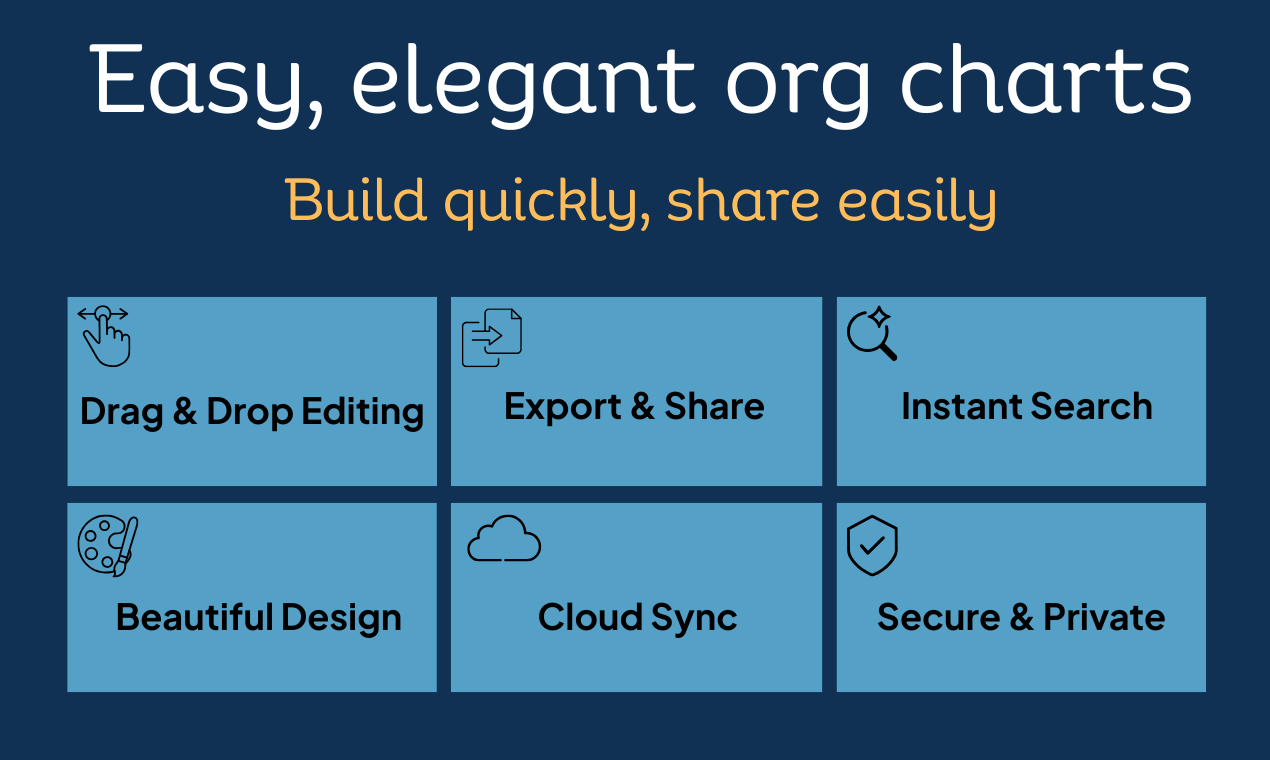
Drag-and-Drop Editing: Intuitive interface for easy arrangement and modification of roles and reporting lines.
High-Resolution Export: Save charts as PNG or PDF for presentations, printing, and sharing.
Freemium Model: Free for teams up to 25 people with essential features, no credit card required.
Secure Sign-In: One-click access via Google or Microsoft accounts, eliminating password management.
Advanced Reporting: Support for dotted-line reporting, staff/assistant roles, and employment badges (Contractor, Intern, Vacant).
Use Cases
OrgCanvas is perfect for startups needing to quickly define their early-stage team structure, or for small businesses looking to clearly delineate departments as they grow. It helps in visualizing reporting relationships and ensuring everyone understands their place within the organization.
For corporate enterprises, it supports the creation of traditional C-suite structures and complex hierarchies, while nonprofits can effectively illustrate their board-driven governance. The platform also excels in matrix organizations, allowing for the clear depiction of dual reporting lines for project-based teams.
Beyond basic visualization, OrgCanvas serves as a powerful tool for HR departments and strategic planners. Users can maintain multiple versions of their charts, such as current structures, proposed reorg plans, or "what-if" scenarios, facilitating better decision-making and communication during organizational changes.
Pricing Information
OrgCanvas operates on a transparent freemium model. The "Free" tier supports up to 25 people, includes 1 canvas, PNG export, cloud sync, and shareable links, with no credit card required. The "Pro" plan ($49/year or $99 lifetime) offers unlimited people/canvases, PDF export, dotted-line reporting, and more. For larger organizations, the "Business" plan ($199/year or $29/month) provides everything in Pro, plus unlimited workspaces, priority support, and custom themes.
User Experience and Support
The platform boasts a user-friendly interface with one-click sign-in options via Google or Microsoft, ensuring a smooth start. Its drag-and-drop functionality makes editing effortless, and the smart CSV importer simplifies initial setup. Users can easily share read-only links for team viewing or export high-resolution files for presentations. While specific support channels aren't detailed, the presence of an FAQ section suggests a commitment to user assistance.
Technical Details
OrgCanvas is a cloud-based SaaS application, accessible directly through a web browser. All user data is secured with encryption both in transit and at rest, ensuring privacy and data integrity. While specific programming languages or frameworks are not disclosed, its web-native design provides broad accessibility and seamless cloud synchronization.
Generous free tier for small teams.
Rapid chart creation via CSV import.
Highly intuitive drag-and-drop editing.
Versatile export options (PNG, PDF).
Enhanced security and data privacy.
Pre-designed templates for various organizational types.
No credit card needed for the free plan.
Easy sharing with read-only links.
Comments
Publisher

Launch Date2026-02-23
Platformweb
Pricingfreemium
Tech Stack
#web
Sponsors

AIChatOne
All-in-one AI assistant with the most advanced AI models to help you Chat, Search, Write, Read and more.

Fismbot
Grow your business with Fismbot: AI social content and email tools, plus expert support for marketing, websites and technology that works for you.
Become a Sponsor
Get your brand featured here
Outbid
View🥇 🥈
🥈 🥉
🥉
Want this spot? Pay what you wantSubmit Your Startup to 100+ Directories | Submitator
Automated startup directory submission service. Get listed on Product Hunt, BetaList, Indie Hackers & 100+ directories for SEO backlinks and DR boost. From $29.
$40
Boost Your Domain Rating — DoFollow Backlinks (DR 30–70) from $30
Raise your Ahrefs Domain Rating with 5 - 50 dofollow backlinks from DR 30–60 sites — from $50, guaranteed to improve your DR or your money back.
$35
DirEasy - The Best Directory Boilerplate with AI | DirEasy
The best directory boilerplate, packed with AI, Listings, Payment, Submission, CMS, Blog, Authentication, Newsletter, SEO and more.
$30